It is 8:30 on Monday morning.
Sarah, who manages customer service for a growing HVAC company, is already switching between two screens. HubSpot is filling up with weekend inquiries. ServiceTitan is showing the jobs waiting to be scheduled.
Her team should be calling customers and booking work.
Instead, Sarah is copying names, phone numbers, emails, and service addresses from one system into the other.
Two hours later, the data is finally entered.
But the bigger problem is still waiting.
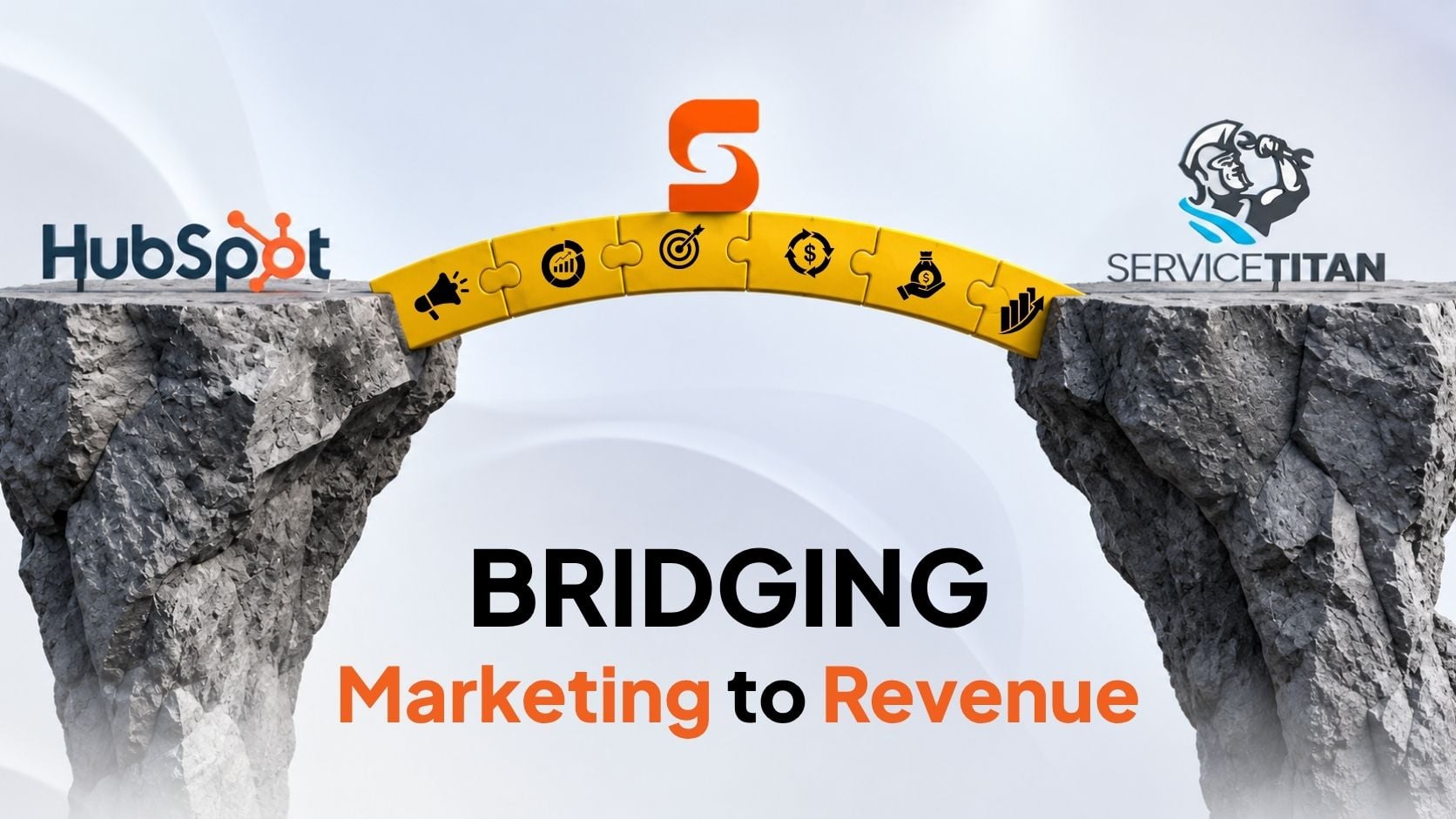
That afternoon, a customer pays $14,500 for a new heating and cooling system. The installation software (ServiceTitan) marks the job as finished, but the marketing software (HubSpot) never gets the memo. Because the systems aren't talking, the marketing team keeps sending sales pitches to someone who already bought the system. This is what happens when your CRM and field service system operate as separate worlds.
The Hidden Cost of Manual Data Entry
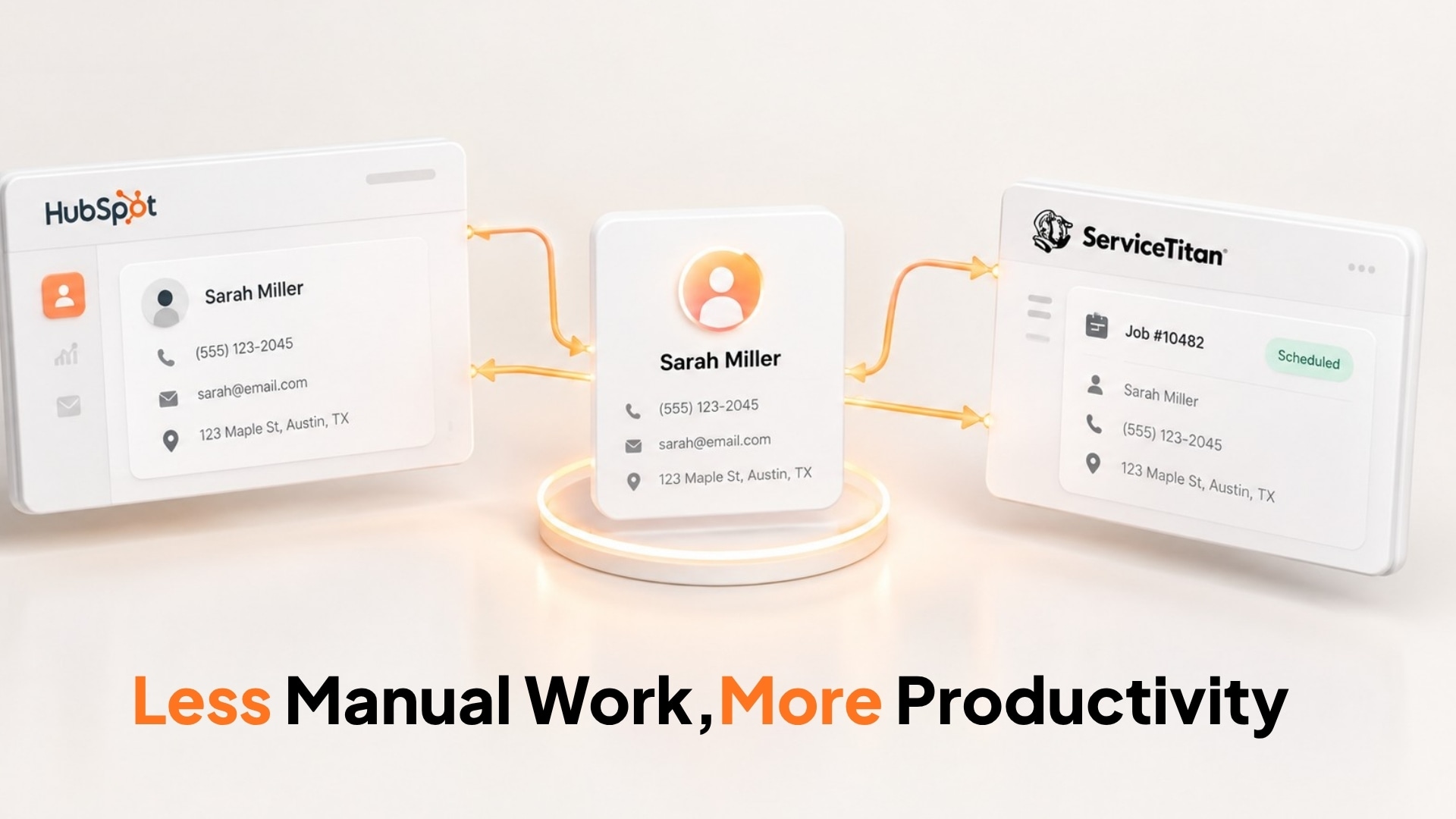
Many businesses accept manual data entry as part of everyday operations. Someone copies the lead. Someone updates the customer. Someone changes the deal stage. Someone checks whether the invoice was paid.
Each task seems small.
Together, they create a significant operational burden.
Manual handoffs create three common problems:
- Wasted time: Employees are stuck doing manual data entry instead of their actual jobs.
- Messy data: Disconnected tools create confusing, duplicate profiles for the exact same customer.
- Blind spots: Marketing tracks the leads, and operations tracks the jobs. Because the data is split, nobody knows the true path from first click to final payment.
The problem becomes especially noticeable as a business grows. What works with a few dozen leads can become a daily administrative burden when hundreds of customers, jobs, and updates are moving through the business.
Why Duplicate Records Are More Than a Data Problem
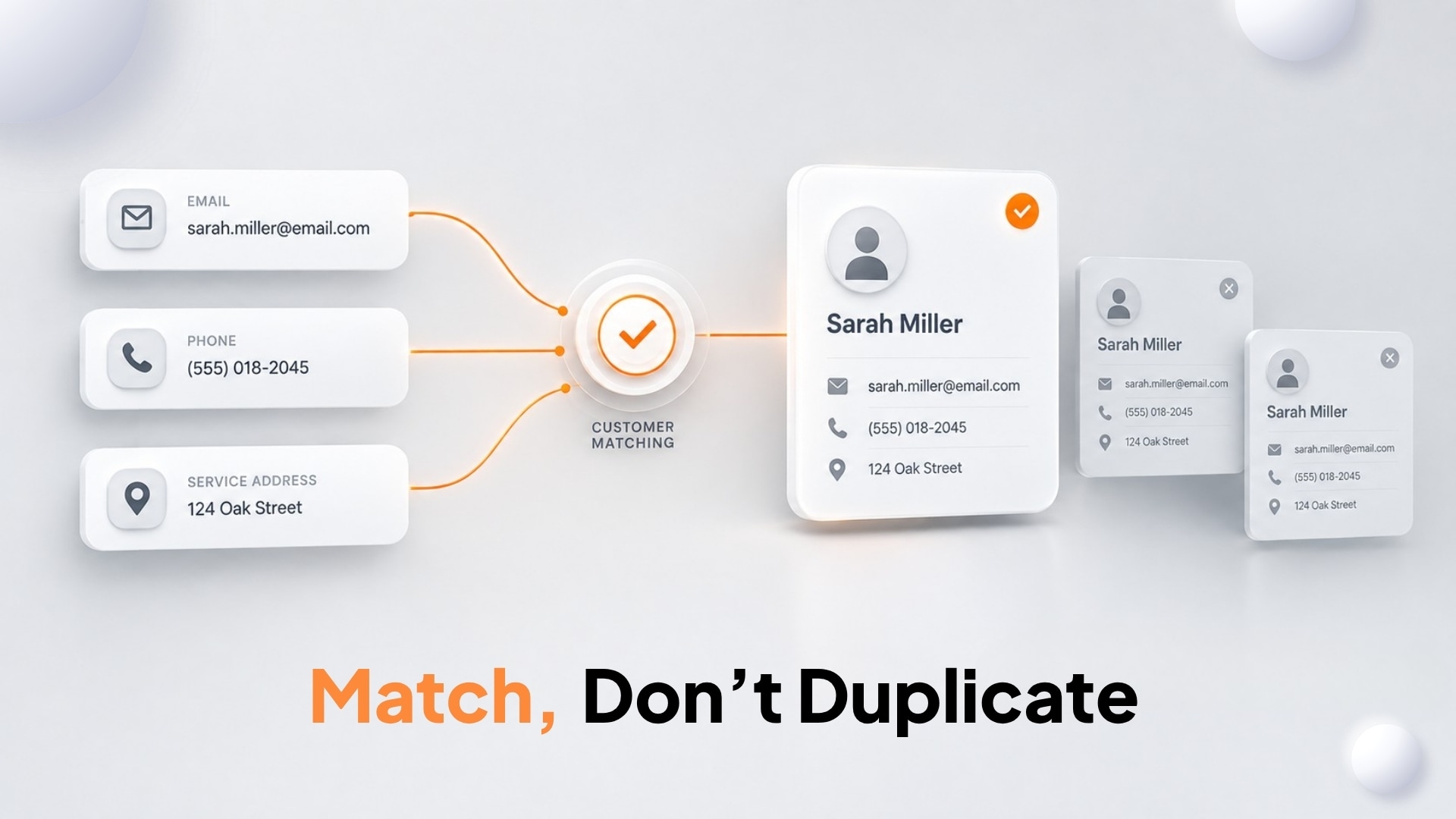
Consider a homeowner who calls your office using a phone number and service address.
A few days later, the same homeowner fills out a website form using an email address.
If the integration relies on only one identifier, it may not recognize that both records belong to the same customer.
Right now, marketing data lives in HubSpot and service history is trapped in ServiceTitan. Over time, this messy data causes:
- Blank spots in customer profiles
- Messed-up email lists
- Embarrassing sales slip-ups
- Inaccurate business reports
- Extra busywork for your staff
The answer isn't just blindly pushing data back and forth. Your systems actually need to know when they are looking at the same customer.
That means using multiple signals, such as email, phone number, and service address, before creating a new record.
Why the Usual Integration Approaches Can Fall Short
When businesses decide to automate the process, they generally have two options: build a custom integration or use a general automation platform.
Custom development
A custom API integration gives you flexibility. Then developers have to build around your exact workflows and business rules. But, the flexibility comes with responsibility.
Your business or agency becomes responsible for maintaining the integration, monitoring failures, handling API changes, and fixing problems when something stops working.
The initial project is only the beginning.
General automation tools
Tools such as Zapier can be useful for straightforward workflows. ServiceTitan itself currently offers a Zapier integration for automating certain tasks, although ServiceTitan notes that the integration is in open beta and is provided on an “as is” basis.
The challenge comes when you need more than a simple trigger and action.
A real field service integration needs to keep customer relationships intact, handle updates in both systems, prevent duplicates, and deal with API limits.
ServiceTitan currently documents a standard limit of 60 calls per second per application per tenant for regular APIs, with separate limits for reporting APIs.
That means a reliable integration needs to be designed for real operating conditions, including periods when activity increases sharply.
The Goal Is Not Just Data Sync
The real value of connecting ServiceTitan and HubSpot is what happens after the data starts moving.
Imagine the complete customer journey:
- A prospect Googles your company.
- They submit a web form.
- The lead lands in HubSpot.
- They schedule an appointment.
- The crew completes the job in ServiceTitan.
- The invoice is closed out.
- Money hits the bank.
If that final outcome never reaches HubSpot, your marketing team can see the lead but not the complete business result.
HubSpot's revenue attribution tools can connect closed-won revenue with campaigns and marketing interactions when the required contact and deal data is properly associated.
That makes the integration much more valuable than simple contact synchronization.
It creates a path from marketing activity to actual revenue.
What a Better Integration Should Do
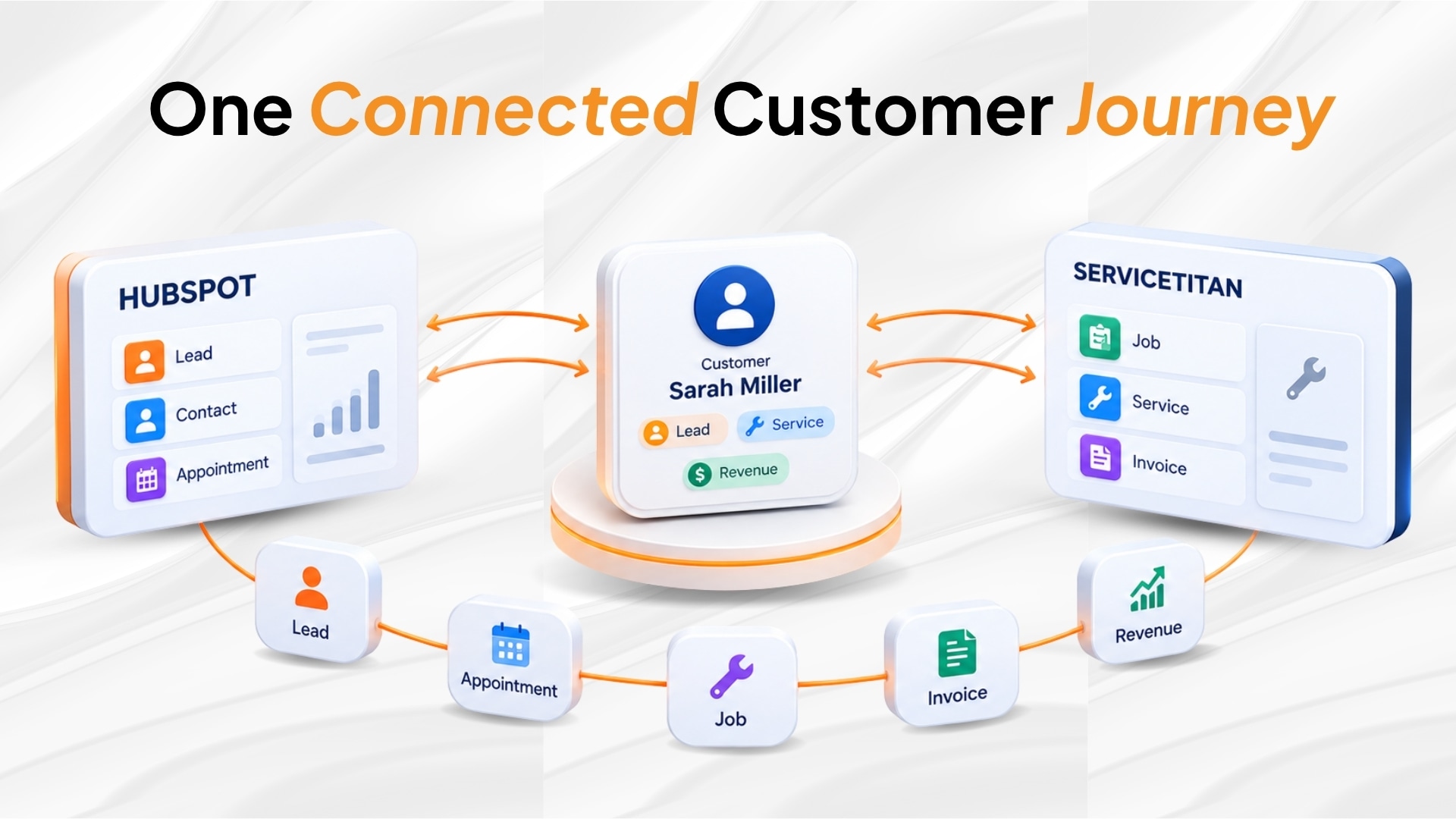
A production-ready integration should make the two systems work together without forcing your team to manage the connection every day.
A solid integration connects your systems seamlessly so your staff doesn't have to manage the tech. It should:
- Match customers accurately using emails, phone numbers, and addresses.
- Keep files clean by properly linking jobs, invoices, and locations together.
- Run smoothly during peak times without breaking or losing data.
- Sync data both ways so no information gets trapped in one software.
- Tie final revenue back to HubSpot so marketing knows exactly what paid off.
The result is more than cleaner data.
It gives the business a more complete view of the customer.
A Better Way to Connect ServiceTitan and HubSpot
This is where Synkazo takes a different approach.
Building custom software to connect HubSpot and ServiceTitan is expensive and time-consuming. Synkazo does it for you right out of the box.
We keep your systems synced so your team can focus on the actual business.
Here is what it handles:
- Automatically moves data between HubSpot and ServiceTitan to eliminate manual entry.
- Catches duplicate profiles so your records stay clean.
- Syncs both ways—if you update one, the other updates instantly.
- Runs on its own without needing an IT team to fix broken code.
- Pushes job and revenue data back to HubSpot so marketing knows exactly what is working.
ServiceTitan itself recommends Certified Apps as one of its approved integration paths. Certified apps are developed, hosted, and managed by third parties and go through ServiceTitan's review process for security, reliability, and performance.
For businesses that depend on both their CRM and field service platform every day, that distinction matters.
Stop Moving Data. Start Connecting the Business.
Your customer should not have a different story in every system.
Marketing should know where the customer came from.
Sales should know what happened with the opportunity.
Operations should know what work was completed.
And leadership should be able to understand how those activities translate into revenue.
That is the real purpose of a ServiceTitan and HubSpot integration.
Synkazo brings those systems together with a purpose-built, bidirectional sync designed around the needs of field service businesses. Instead of adding another development project or a collection of fragile workflows, it gives your team a simpler way to keep customer and operational data connected.
Less manual work. Fewer duplicate records. Better visibility. One connected customer journey.
That is what a reliable ServiceTitan and HubSpot integration should deliver.
We’ll connect a sandbox and map one of your real objects on the call. Thirty minutes, no slide deck.
Request a demo