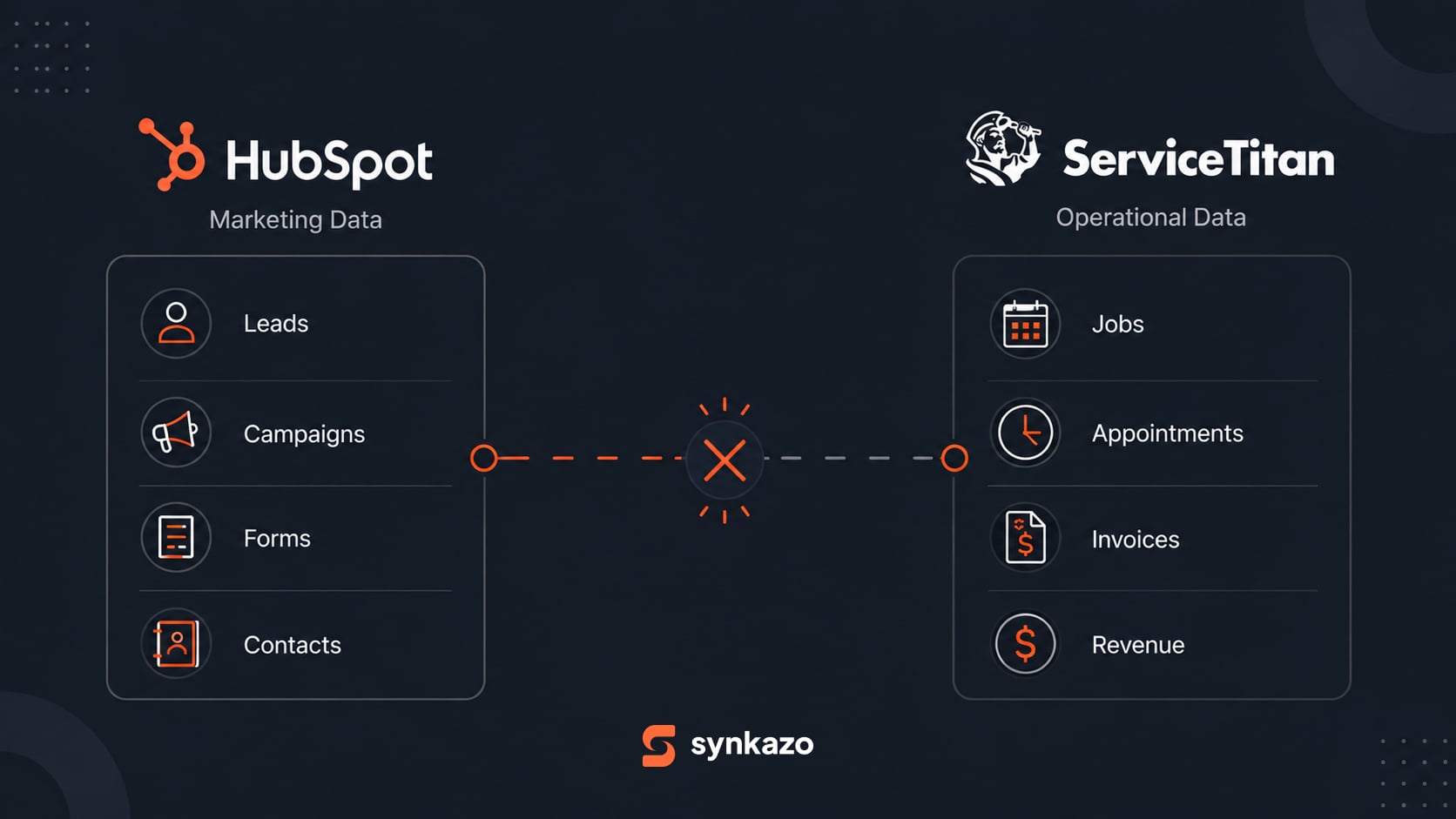
A HubSpot agency can build a client's campaigns, forms, workflows, and reporting, then run into a question that sits outside the CRM: which marketing activity led to the completed work in ServiceTitan?
HubSpot records the marketing and sales journey. ServiceTitan records field operations. If those records are not connected, the agency may be asked to report on outcomes it cannot see.
For agencies, the useful goal is to make the data path clear while agreeing with the client on what the integration will handle.
Why a Contact-Only Connection Is Not Enough
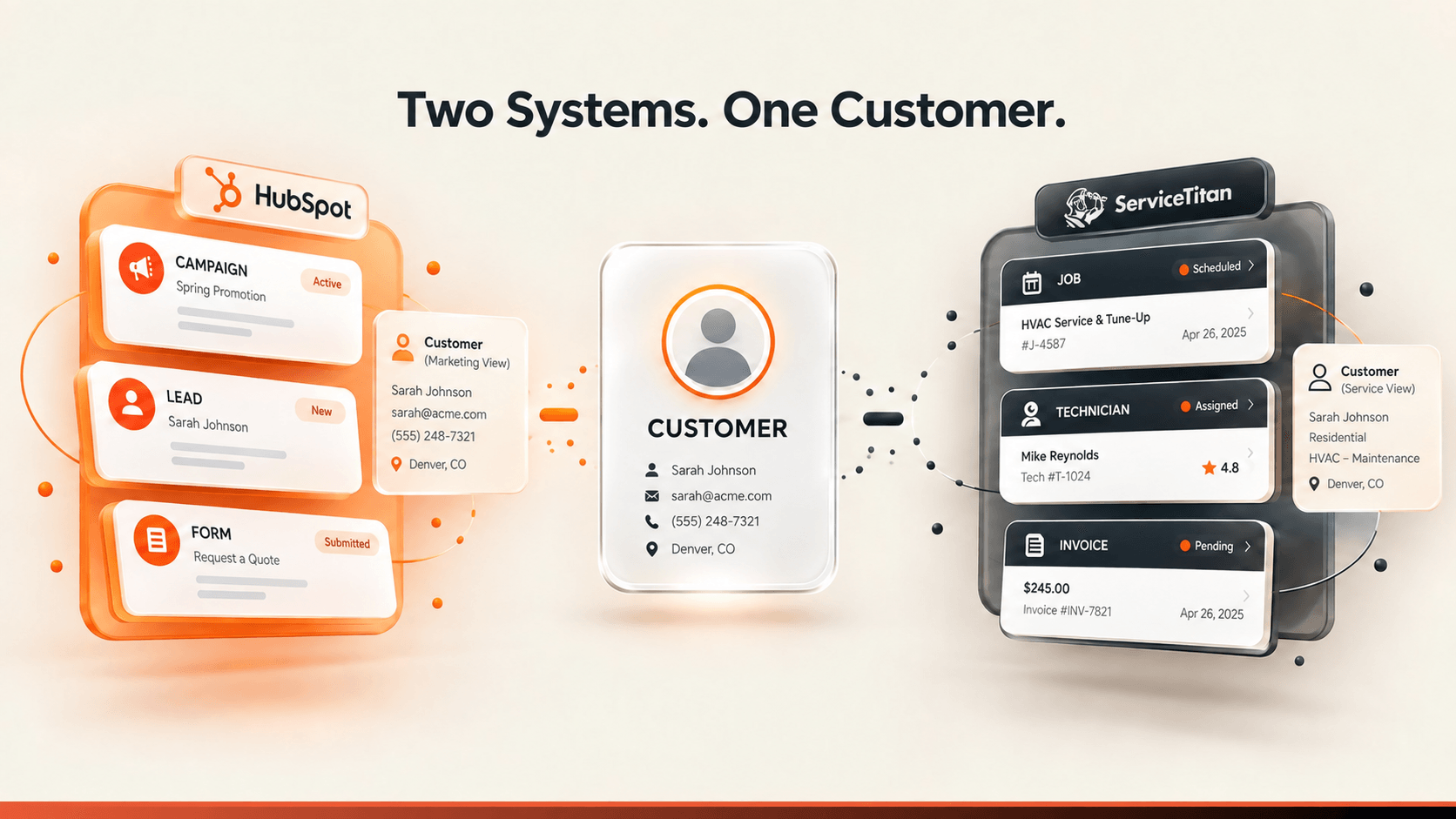
HubSpot and ServiceTitan describe different parts of the client relationship. HubSpot may hold campaign source, contact, and Deal context. ServiceTitan may hold the customer, service location, job, and invoice details.
A new contact can be easy to pass between systems. The harder work is matching it to an existing customer, preserving the location and job relationships, and deciding which updates should appear on the HubSpot Deal.
The names, dates, and amounts shown in these diagrams are illustrative.
Agree on the Integration Scope Before Reporting
Before promising a dashboard or workflow, agree with the client on a few questions:
- Which objects are in scope: customers, locations, jobs, appointments, invoices, or Deals?
- Which system owns each field when the values conflict?
- What identifiers should be used to match customers, and how are ambiguous matches reviewed?
- Which job status or financial value should be available in HubSpot?
- Which direction and update timing are configured for each object?
The final objects, fields, matching keys, directions, and timing depend on each account's access and approved project mapping. ServiceTitan's connector scope describes the configuration questions to resolve.
Resolve Customer Identity Across Both Systems
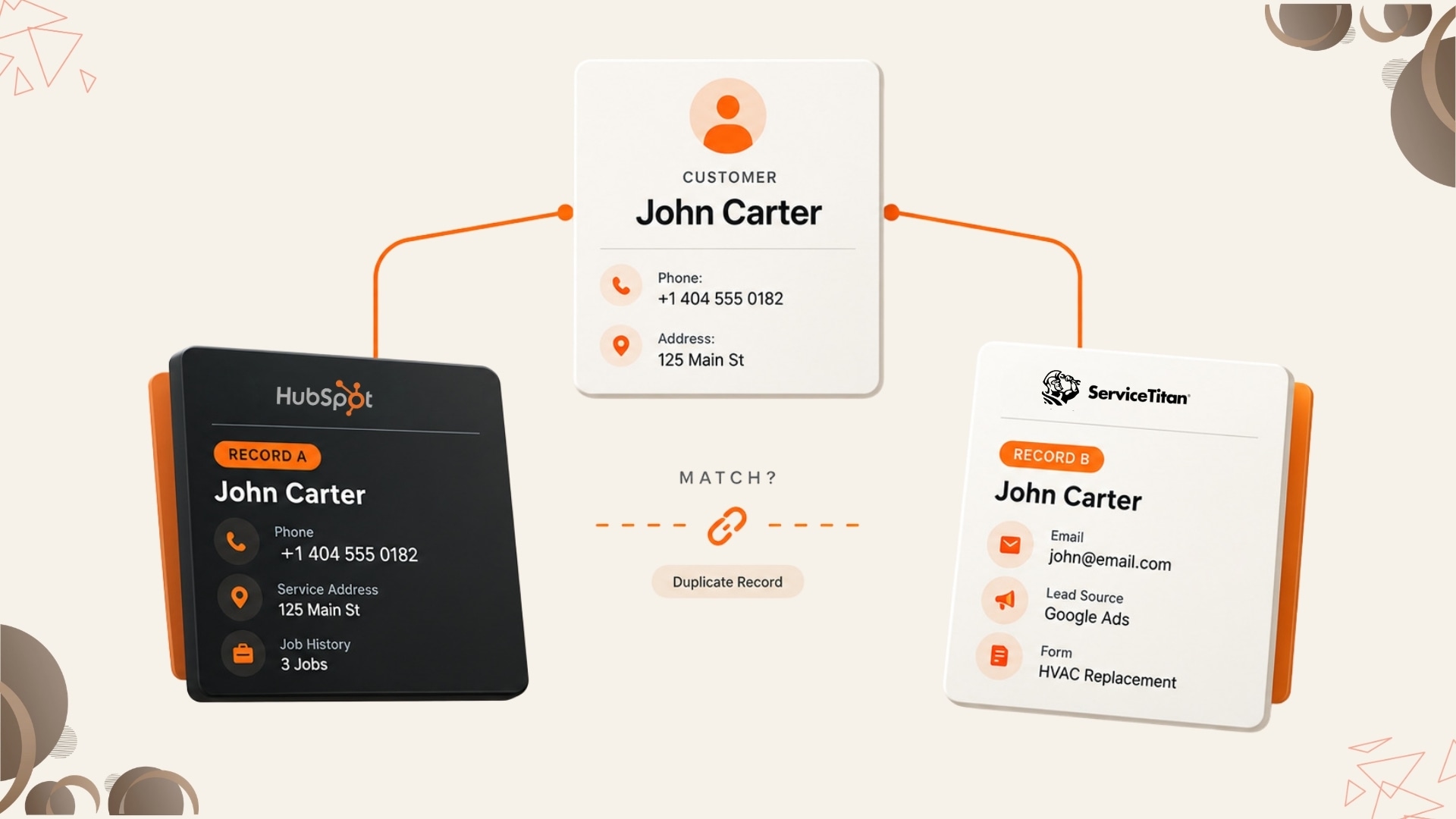
A client may have a ServiceTitan customer created from a phone call, then a HubSpot contact created later from a web form. Names can be spelled differently, phone numbers can be shared, and service addresses may be formatted in different ways.
Work with the client to select appropriate matching fields and define what happens when the data is incomplete or conflicting. Test the rules against real, approved examples before relying on campaign or revenue reports. The setup guide for ServiceTitan and HubSpot covers the information to prepare.
Build a Traceable Path from Campaign to Outcome
The reporting path should connect the marketing source to the client record, then to the operational job and the agreed revenue measure. Keep the customer and Deal relationships explicit so that a campaign is not credited based on a loose name or an assumed association.
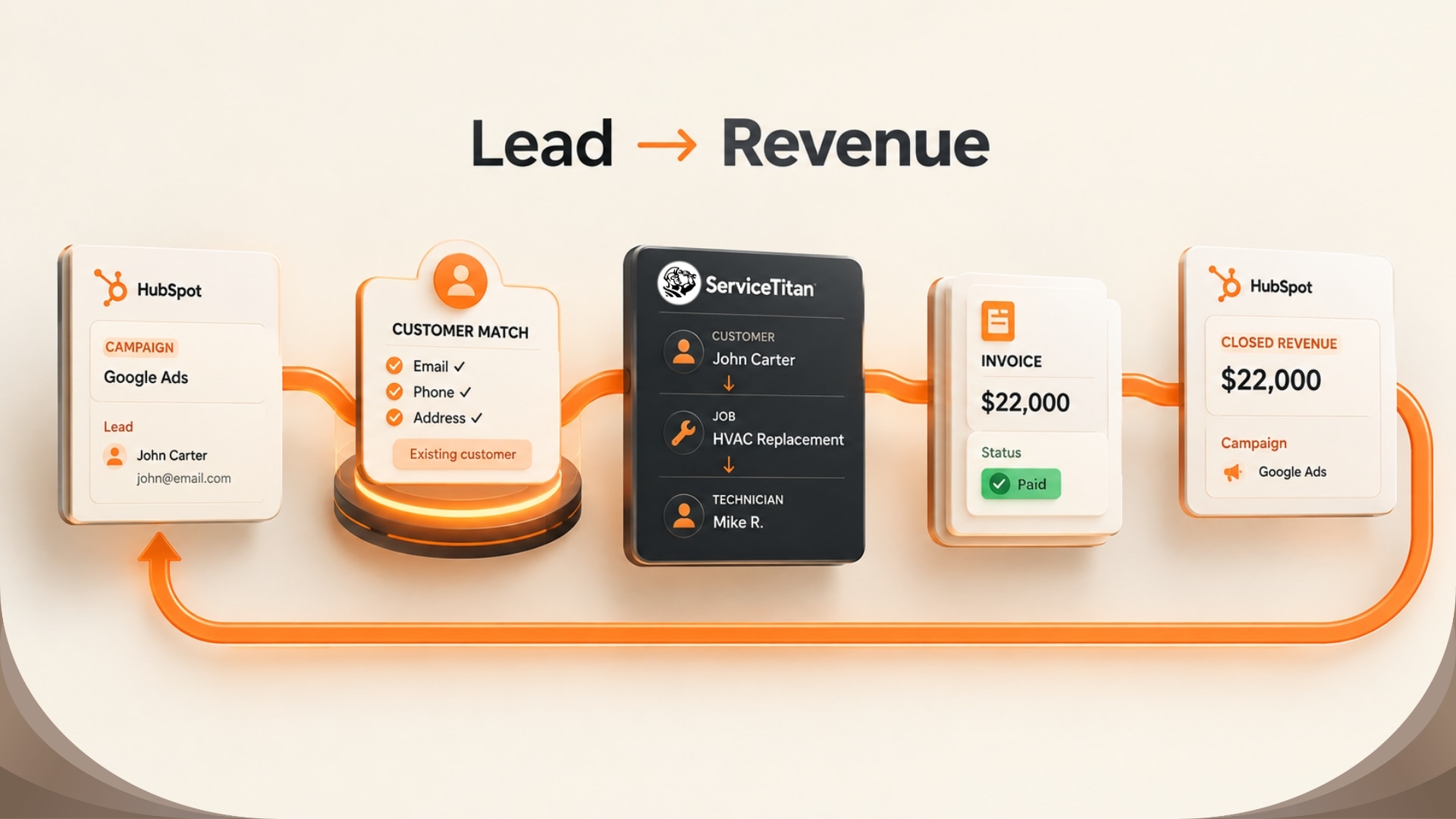
The sample customer, campaign, and revenue values in this diagram are illustrative.
Before presenting the report, take a small sample of completed work and trace it backward to the HubSpot Deal and original campaign source. Confirm that the amount means what the report says it means, and note any records the mapping cannot associate automatically.
Choose an Approach That Matches the Client's Needs
Generic automation tools can suit simple, isolated events. Custom development can fit workflows that require unique rules, but it also creates work to build, monitor, and maintain the integration as the client's needs and APIs change.
A productized integration can provide a repeatable starting point when its supported objects, directions, and mapping options match the client's workflow. Agencies should confirm those details and the client's account requirements before estimating scope or making reporting commitments.
Where Synkazo Fits
Synkazo provides configurable connections between HubSpot and field-service platforms including ServiceTitan. For each ServiceTitan project, the selected objects, fields, matching keys, direction, and write rules are reviewed during setup. Approved customer data can move in both directions where configured; this does not mean every object syncs both ways.
That gives an agency a defined integration scope to discuss with a client while keeping campaign strategy and reporting decisions tied to the client's actual data. The agency and client should still agree which outcomes to measure and verify a sample of records before using the report.
Give Clients a Connected View of Their Work
An agency does not need to promise that every field will flow automatically. It can help the client define the records that matter, preserve campaign source, and check whether the completed work is connected to the right HubSpot Deal.
When the mapping supports that path, marketing and operations can work from a more consistent customer story. Start with the connector scope, test representative records, and set expectations around the configured objects and update timing before building reports on top.
We’ll connect a sandbox and map one of your real objects on the call. Thirty minutes, no slide deck.
Request a demo