It’s late Friday afternoon. A commercial roofing sales manager is getting ready for the weekly pipeline review. HubSpot shows a solid list of active opportunities, including a big reroofing project that could help the quarter.
Then the managing partner asks if the general contractor has accepted the latest proposal. The answer isn’t in HubSpot.
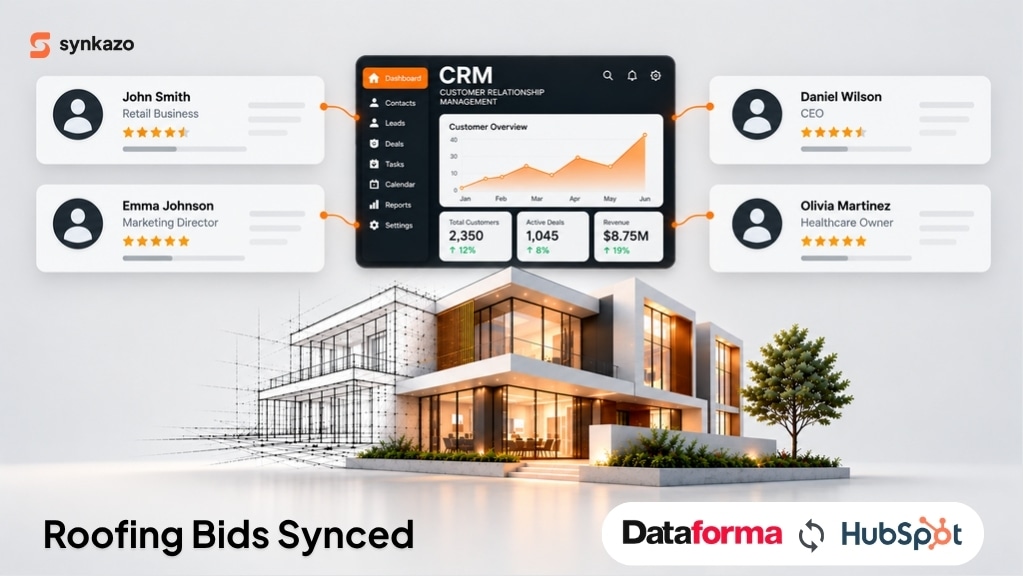
The estimator updated the bid in Dataforma earlier that week. The price changed after value engineering, and the project team has the new numbers. HubSpot still shows the old amount. Someone has to dig through emails, call the estimator, and compare the two systems by hand.
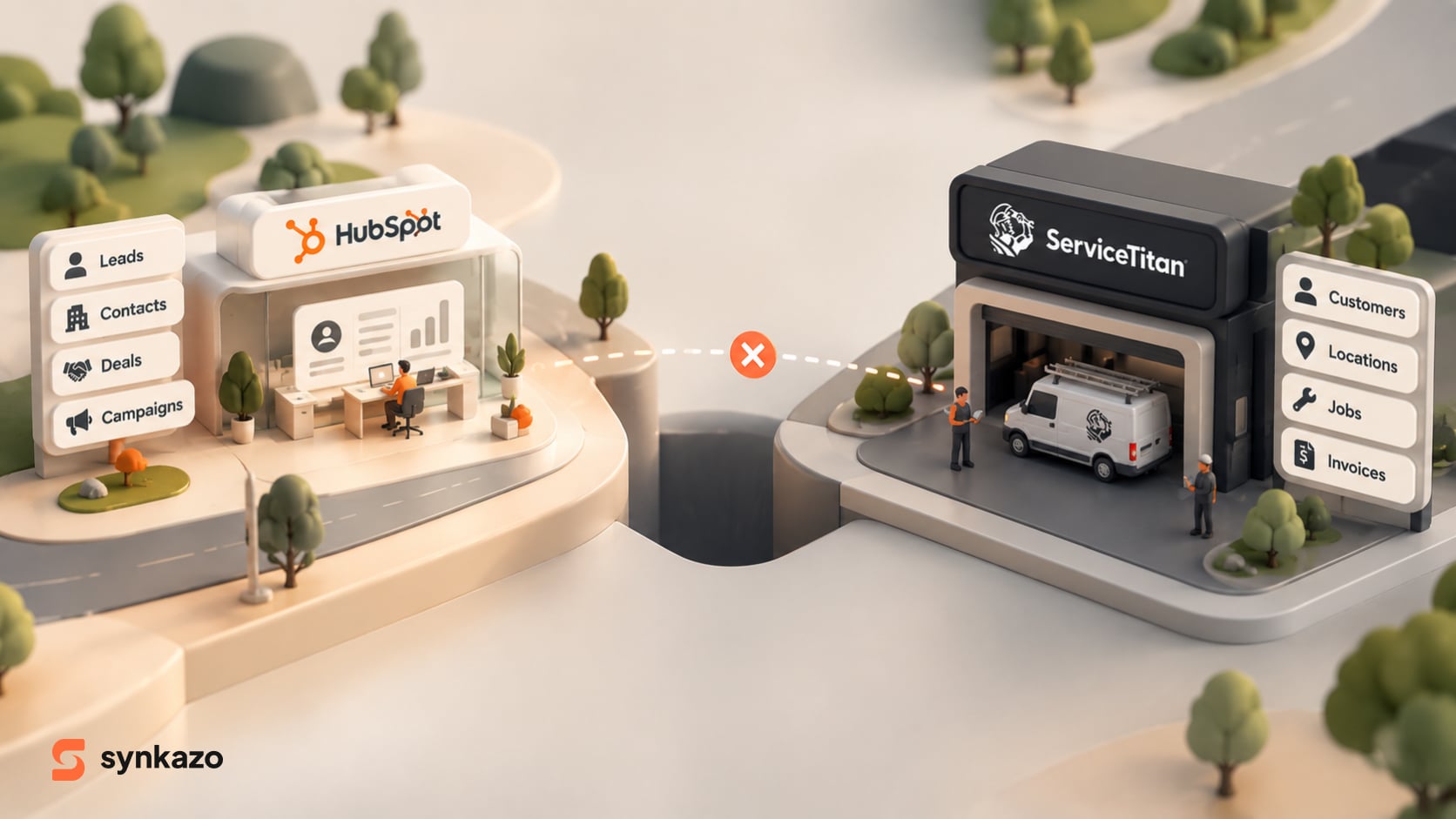
Neither platform is broken. HubSpot handles sales relationships and the pipeline. Dataforma handles the day-to-day work commercial contractors need—customers, projects, estimates, and invoicing. The real problem starts when information has to move between them.
For commercial roofing companies dealing with complex bids and long sales cycles, that gap creates an expensive blind spot. The CRM says one thing. The operational system says another.
A solid Dataforma–HubSpot integration closes that gap. It gives sales and operations a shared, up-to-date view of every opportunity.
Why Commercial Roofing Teams Need Connected Data
Commercial roofing jobs rarely move in a straight line from inquiry to purchase. One opportunity can involve property managers, building owners, general contractors, estimators, procurement teams, and several rounds of technical and commercial changes.
Dataforma helps commercial contractors manage scheduling, project details, estimates, service records, and invoicing. HubSpot gives sales and marketing teams a place to track contacts, companies, deals, and conversations.
Both systems do important work. The challenge is keeping the information connected as the opportunity moves forward.
Three problems show up again and again when teams rely on manual updates.
1. Bid values and pipeline stages fall out of sync

An estimator revises a proposal. A general contractor asks for a different specification. The scope changes, or a bid moves from submitted to awarded.
If those updates stay only in Dataforma, the HubSpot deal keeps showing the old amount or stage. Sales leaders end up forecasting with numbers that no longer match reality.
Over time, even a pipeline full of real opportunities becomes hard to trust.
2. Property and customer relationships get hard to follow

Commercial roofing companies often work with property management firms that handle multiple buildings. One customer relationship can cover several locations, different facility managers, separate inspection histories, and individual projects.
A useful CRM view needs to keep those relationships clear. It should not treat every building as a completely separate customer or mash distinct sites into one record.
HubSpot can link contacts, companies, and deals. The hard part is making sure operational records map to the right CRM records and keep the relationships the business actually needs.
3. Follow-ups depend on people remembering to update systems
A bid can be technically finished but still open commercially. The proposal has been sent, but the general contractor hasn’t replied. A revised quote is ready, but the sales rep doesn’t know it changed.
When teams lean on emails, spreadsheets, and manual CRM updates to fill the gap, follow-ups become inconsistent and deals lose momentum.
The cost is more than just extra admin work. It can slow response times, weaken forecasting, and hurt the customer experience.
Why Manual Updates and Basic Automation Often Fall Short
The first reaction is usually to ask people to update both systems or to add a simple automation tool. Both can help in some cases, but neither fully solves the data problem.
Manual entry is easy to start and hard to keep going. Every new bid revision, customer update, or project milestone creates another chance for information to be missed or entered differently.
Generic automation tools work well for simple tasks—like sending a notification when a form is submitted or creating a record after a basic trigger. Real two-way sync needs more planning. The integration has to find existing records, protect relationships, decide which system owns each field, and handle updates without creating duplicates.
Custom API work gives full flexibility and can make sense for highly specialized needs. But the company still has to handle development, testing, hosting, monitoring, and ongoing maintenance. A custom build isn’t automatically wrong—it just comes with long-term ownership costs that should be weighed against the initial effort.
This is a practical issue, not just a theory. Watertight Roofing, for example, worked with Waypost Marketing on a custom HubSpot–Dataforma integration after manual entry created duplicate work, incomplete records, and unreliable reporting. The case shows the real operational problem and one possible solution. It doesn’t mean every contractor needs the exact same setup.
The better path is to pick an integration approach based on how complex the data is, how reliable the connection needs to be, and what resources the team has to maintain it.
What a Reliable Dataforma–HubSpot Integration Should Do

A good integration does more than copy fields from one system to the other. It keeps related business records aligned as they change.
Match records before creating new ones
When a contact or company already exists, the integration should find that record using clear matching rules instead of making another copy. Matching can use email, phone number, or other agreed fields. For commercial roofing, it also means carefully separating a parent organization from an individual building or service location.
Keep bid and deal information current
Whenever approved fields change in Dataforma, the connected HubSpot record needs to receive those updates automatically. Depending on how your systems are mapped, this might include bid amounts, proposal statuses, project details, or other day-to-day information. The flow of data in the other direction matters just as much. Updates made in HubSpot should also push back to Dataforma if the CRM is supposed to handle those details. Setting clear rules for which system owns each field is crucial. Without this clarity, a two-way sync can easily overwrite data and cause conflicts instead of keeping things organized.
Preserve relationships and process records in the right order
A bid should stay linked to the correct customer and project. The integration needs to handle dependencies so related records are matched or created in a sensible sequence. It should also give teams a way to spot and investigate failed or delayed updates. No integration is truly reliable just because it runs automatically—teams need visibility into how it’s working.
Make operational progress useful to sales
When the latest bid status and relevant project updates show up in HubSpot, sales reps can follow up with better context. Managers can review opportunities without constantly chasing information across systems. This is where integration becomes more than admin convenience—it connects the customer relationship to the actual work being delivered.
How Synkazo Connects Dataforma and HubSpot
Synkazo is built to connect HubSpot with field-service platforms like Dataforma through a managed, two-way synchronization layer. Instead of forcing a business to build every connection from scratch, it offers a productized way to map fields and keep records aligned.
For commercial roofing teams, the practical benefits are clear:
-
Two-way synchronization that keeps agreed customer and operational information aligned between HubSpot and Dataforma
-
Record matching that helps find existing records so updates go to the right customer or contact instead of creating duplicates
-
Flexible field mapping so you can review recommended mappings and adjust them to match how your business actually works
-
Less manual admin work by reducing the need to re-enter the same information in both sales and operational systems
-
A managed integration that doesn’t turn the connection into a separate custom software project your team has to build and maintain
Synkazo’s setup process involves connecting HubSpot, entering the field-service platform credentials, reviewing field mappings, and turning on synchronization. Their website says most teams can go live in under an hour, though actual time depends on the specific environment and configuration.
As with any integration, businesses should confirm which records and fields are supported for their workflow before going live. A clear mapping plan and a controlled first sync help set the right foundation.
Turn Your CRM Pipeline Into a More Reliable View of the Business
When Dataforma and HubSpot run separately, the people managing customer relationships may be working with yesterday’s bid numbers while the people delivering the work have already moved to the next revision. That gap makes forecasting, follow-up, and coordination harder than they need to be.
The answer isn’t necessarily another spreadsheet, more manual checks, or a custom integration that creates a new maintenance burden. It’s a dependable connection that respects how both systems are built and keeps the right information moving between them.
Synkazo gives commercial roofing contractors a practical way to connect Dataforma and HubSpot without starting from a full custom build. With two-way synchronization, configurable field mapping, and record matching, it helps cut repetitive admin work and gives sales and operations a better chance of working from the same information.
Your estimators can keep managing operational work in Dataforma. Your sales team can keep managing relationships and opportunities in HubSpot. And your business can spend less time reconciling records—and more time moving the right bids forward.
We’ll connect a sandbox and map one of your real objects on the call. Thirty minutes, no slide deck.
Request a demo