It’s Monday morning.
The phones are already ringing. Your dispatch team is moving technicians between jobs, sales is following up with leads in HubSpot, and ServiceTitan is filling up with new customers, appointments, estimates, and invoices.
Then someone has to copy a customer from one system into the other.
A name here. An address there. A booking date. A phone number.
It doesn't sound like much. Until you do it hundreds of times. And that's when the real problem starts.
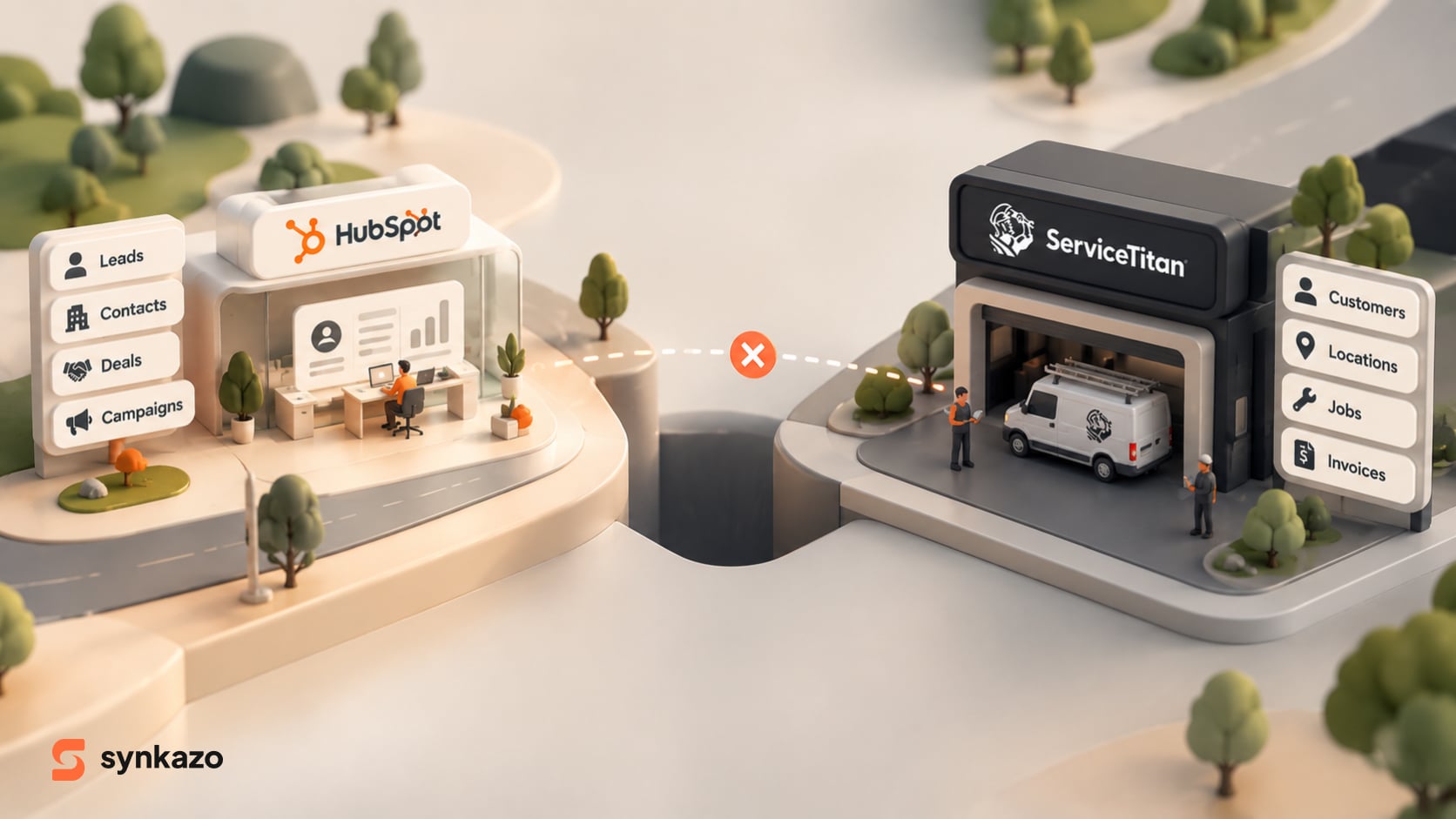
When Your CRM and Operations Live in Different Worlds

For a growing trades business, HubSpot and ServiceTitan can both be essential. HubSpot manages marketing campaigns, leads, sales pipelines, and customer journeys. ServiceTitan handles the operational side—scheduling, dispatching, jobs, inventory, and invoicing.
The problem begins when those two worlds don't communicate.
For a concrete view of what can move between them, see the ServiceTitan and HubSpot integration page. It separates configurable ServiceTitan-to-HubSpot mappings from supported reverse writes and explains what must be confirmed during setup.
HubSpot knows who clicked, who filled out a form, and who showed interest.
ServiceTitan knows who booked, who received service, who paid, and what happened at the job.
When that information stays separated, the business develops what can only be described as an operational split-brain.
Office teams start re-entering information. Customer records become duplicated. Follow-ups get missed. And eventually, someone asks the question that should have a simple answer:
“Which marketing campaigns are actually generating completed jobs?”
Suddenly, nobody is quite sure.
The Problem Isn't Just Manual Work
Manual data entry is annoying, but that's only the beginning.
The bigger problem is that every manual handoff creates an opportunity for something to go wrong.
A customer might have one name in ServiceTitan and another in HubSpot. A phone number might be formatted differently. A service address may change in one system but remain outdated in the other.
Over time, these small inconsistencies become a much bigger problem: your teams stop trusting the data.
And once people stop trusting the data, they start creating their own workarounds—spreadsheets, notes, emails, and manual checks.
The technology was supposed to make the business faster.
Instead, it's creating more work.
Why ServiceTitan and HubSpot Are Hard to Sync

The challenge goes deeper than simply connecting two APIs.
ServiceTitan is built around the physical reality of a service business: customers, service locations, jobs, technicians, estimates, equipment, and transactions.
HubSpot is built around contacts, sales pipelines, marketing activity, and customer engagement.
In other words, one thinks in terms of jobs and locations; the other thinks in terms of contacts and relationships.
That difference creates one of the biggest integration challenges: identity resolution.
HubSpot may rely heavily on email to identify a contact, while ServiceTitan can use information such as a service address and phone number.
Now imagine a customer enters your system as “Jon Doe” with a phone number and service address. Later, the same person fills out a HubSpot form as “John Doe” using their email address.
A basic integration may see two different records.
Your business sees one customer.
That gap is where duplicate records begin multiplying. A reliable integration needs composite matching logic that can evaluate multiple identifiers before deciding whether to create or update a record.
So, How Should You Connect Them?
There are three practical approaches.
1. Build It Yourself
A custom API integration gives you maximum control. You can design your own mapping, logic, and data-cleaning rules.
The downside?
It takes time, money, and developers.
The source material estimates custom builds at $5,000–$20,000+ upfront, with roughly 6–8+ weeks of development and ongoing maintenance costs.
For businesses that need highly specialized functionality, this can make sense.
For everyone else, it can quickly become an expensive project that never really ends.
2. Use Zapier or Make
No-code tools are attractive because they're easy to understand.
You create a trigger:
New HubSpot company → Create ServiceTitan customer.
Simple.
But service businesses rarely stay simple.
True bidirectional synchronization requires more than a chain of triggers. You need identity resolution, state management, handling for duplicates, retries, and protection against API limits.
Generic automation tools can become fragile when transaction volumes increase.
The result can be a system that works beautifully—until your business gets busy.
3. Use a Purpose-Built Sync Engine
This is where Synkazo takes a different approach.
Instead of asking a trades business to build an integration from scratch—or forcing a complex service workflow through generic automation—Synkazo is designed specifically around the ServiceTitan ↔ HubSpot relationship.
The idea is simple: Take the complexity away from the customer.
How Synkazo Solves the Problem
With Synkazo, the integration is designed as a product rather than another development project.
It's installed through the HubSpot App Marketplace and is positioned to get businesses running in under an hour, without developers or custom code.
More importantly, it isn't limited to basic contact synchronization.
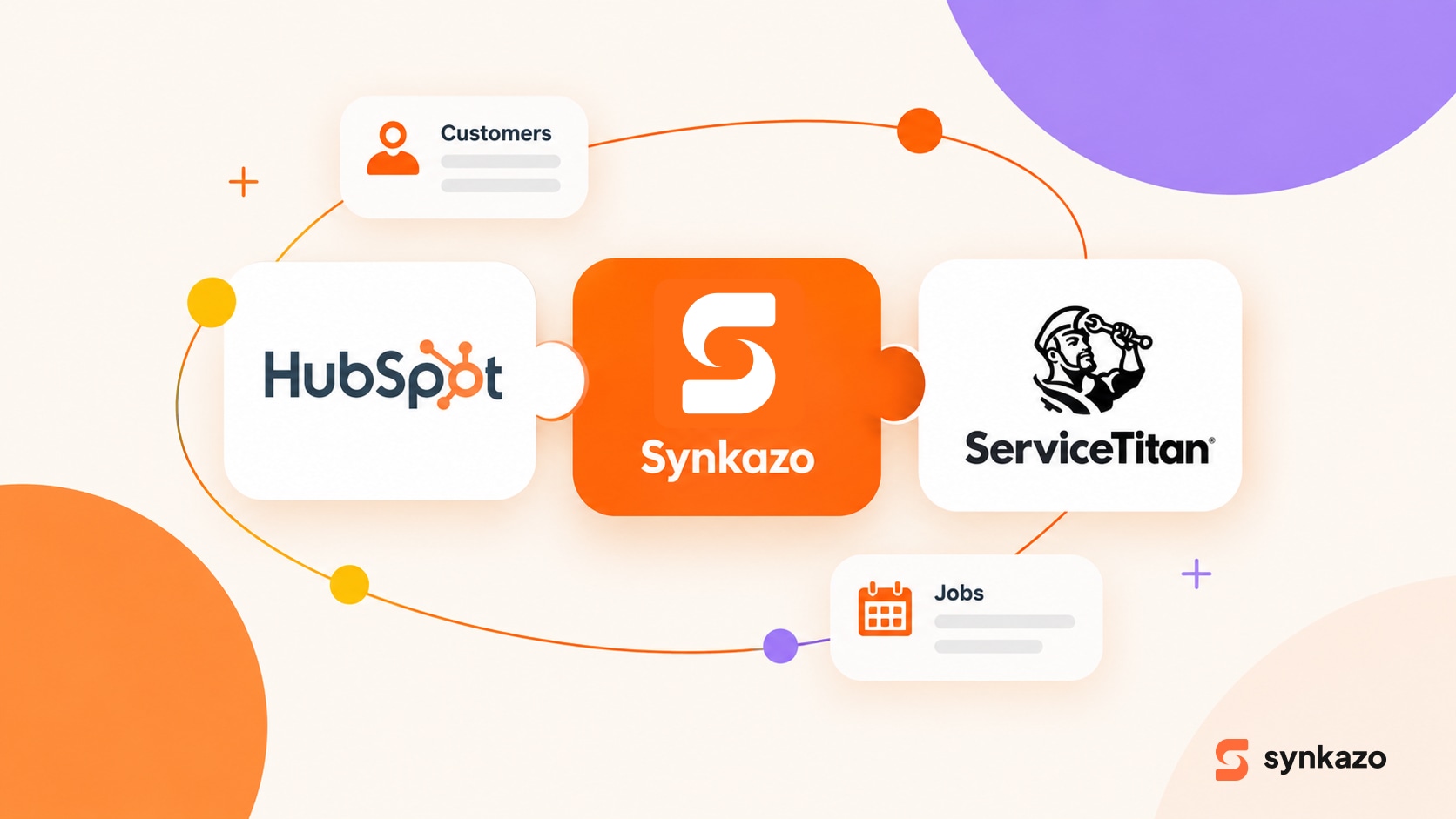
Synkazo can connect the operational data that actually matters:
ServiceTitan Contacts → HubSpot Contacts
Locations → HubSpot Companies
Jobs → HubSpot Deals
Estimates → HubSpot Quotes
Installed Equipment → Custom Objects
Memberships → Service Contracts
This gives sales and marketing teams something they rarely have when their systems are disconnected: operational context.
A salesperson doesn't just see a name. They can understand what happened with that customer.
Marketing doesn't just see a lead. They can connect that lead to what happened after the booking.
And leadership doesn't have to guess whether marketing generated revenue.
What Happens When Things Get Busy?

This is where a real integration earns its keep.
Imagine the hottest week of the year.
Bookings surge. Jobs are created faster. Customer records are changing constantly.
ServiceTitan's API has rate limits, and high-volume integrations can run into HTTP 429 throttling errors if they simply push every request through immediately.
Synkazo addresses this with built-in queue and rate-limit management, including batching, checkpoints, throttling, and retry logic.
The important part isn't the technical terminology.
It's what it means for the business:
Your busiest day shouldn't become your integration's worst day.
The Payoff: Finally Connecting Marketing to Revenue
The real reason to synchronize ServiceTitan and HubSpot isn't to make your database look cleaner.
It's to make better business decisions.
The source material highlights the example of Ultimate Heating & Cooling, where connecting operational and marketing data helped the company understand which channels were actually producing revenue. Within four months, it reported a 725% increase in attributed booked revenue, while Google My Business was identified as responsible for almost half of its marketing-generated revenue.
That's the difference between knowing:
“We generated 500 leads.”
and knowing:
“These campaigns generated the customers and revenue that actually grew the business.”
The second number is the one that matters.
Stop Moving Data. Start Connecting the Business.
A ServiceTitan ↔ HubSpot integration shouldn't create another system for your team to manage.
It should quietly remove work.
- No copying customer records between platforms.
- No wondering whether a customer already exists.
- No rebuilding broken automations every time something changes.
- No guessing which marketing channel produced real revenue.
ServiceTitan knows what happened in the field. HubSpot knows how the customer got there.
Synkazo brings those two pieces together.
And when they finally speak the same language, your team can spend less time moving data—and more time growing the business.
Connect the systems. Clean up the data. Close the loop on revenue.
We’ll connect a sandbox and map one of your real objects on the call. Thirty minutes, no slide deck.
Request a demo