It usually starts with something small.
A customer calls your office and gives a new phone number. A few weeks later, the same customer fills out a form on your website. Their name is slightly different, the address is formatted differently, and suddenly HubSpot creates another contact.
Nobody notices.
Then another duplicate appears.
And another.
Before long, your CRM is full of records that look like customers but don't quite agree with each other. Sales reps are calling old numbers, marketing is sending “first-time customer” offers to people you've been servicing for years, and your office team is spending valuable time cleaning up data instead of serving customers.
The database didn't break overnight. It slowly lost its identity.
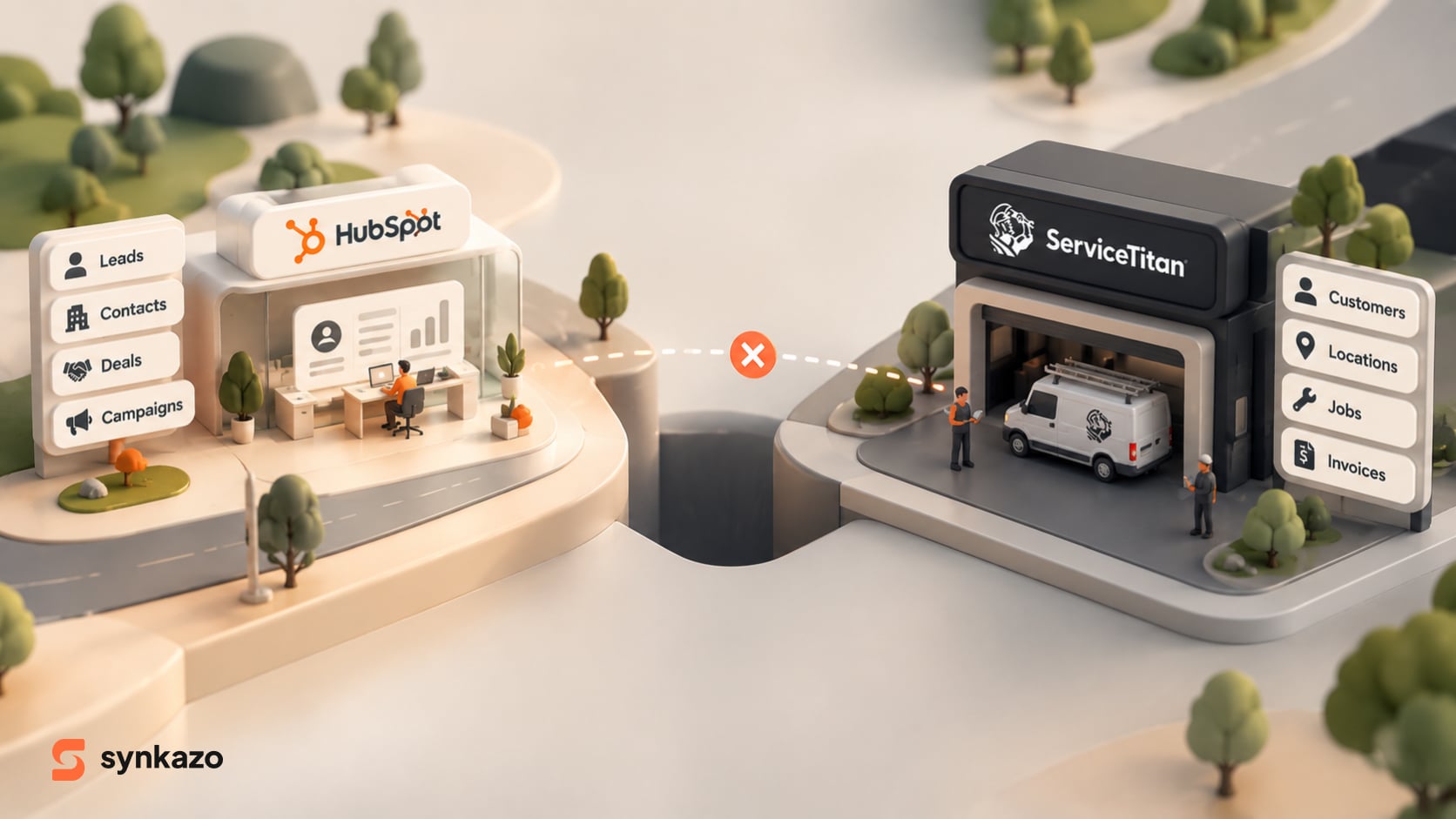
For businesses using both HubSpot and ServiceTitan, duplicate contacts and companies are often the result of a deeper problem: the two systems don't naturally think about customers in the same way.
Why Duplicates Happen in the First Place

HubSpot is largely contact-centric. Email is a major identifier for a contact.
ServiceTitan is built around the operational side of the business, where information such as a customer's phone number and physical service location can be critical to identifying the relationship.
That difference sounds harmless.
Until the same customer enters your business through two different doors.
Imagine a CSR creates “Jon Doe” in ServiceTitan using a phone number and service address.
Two weeks later, Jon visits your website and submits a HubSpot form as “John Doe”, using his email address.
To your team, that's obviously one person.
To a basic integration, those records may look different.
And that's how the duplicate avalanche begins.
A reliable integration needs to look beyond a single field and use multiple pieces of information to determine whether a record already exists.
Why Simple Automation Isn't Enough
It's tempting to solve the problem with a tool that says:
“When a new contact appears here, create a customer there.”
It works beautifully in a demo.
Real businesses are rarely that simple.
Addresses can be written as “123 Main Street” in one system and “123 Main St.” in another. Phone numbers can have different formats. Customers can have multiple locations, shared phone numbers, or different email addresses.
A basic trigger doesn't necessarily understand those relationships.
It simply sees a new event and performs an action.
That's the difference between moving data and managing data.
Generic automation tools can be useful for straightforward workflows, but they aren't designed to act as the database governor responsible for maintaining identity and relationships across two complex systems.
And for ServiceTitan users, there can be another consideration: the source material notes that Zapier access can require higher ServiceTitan plan tiers, adding significant licensing costs for growing teams.
The Fix: Give Your Data a Memory

This is where Synkazo takes a fundamentally different approach.
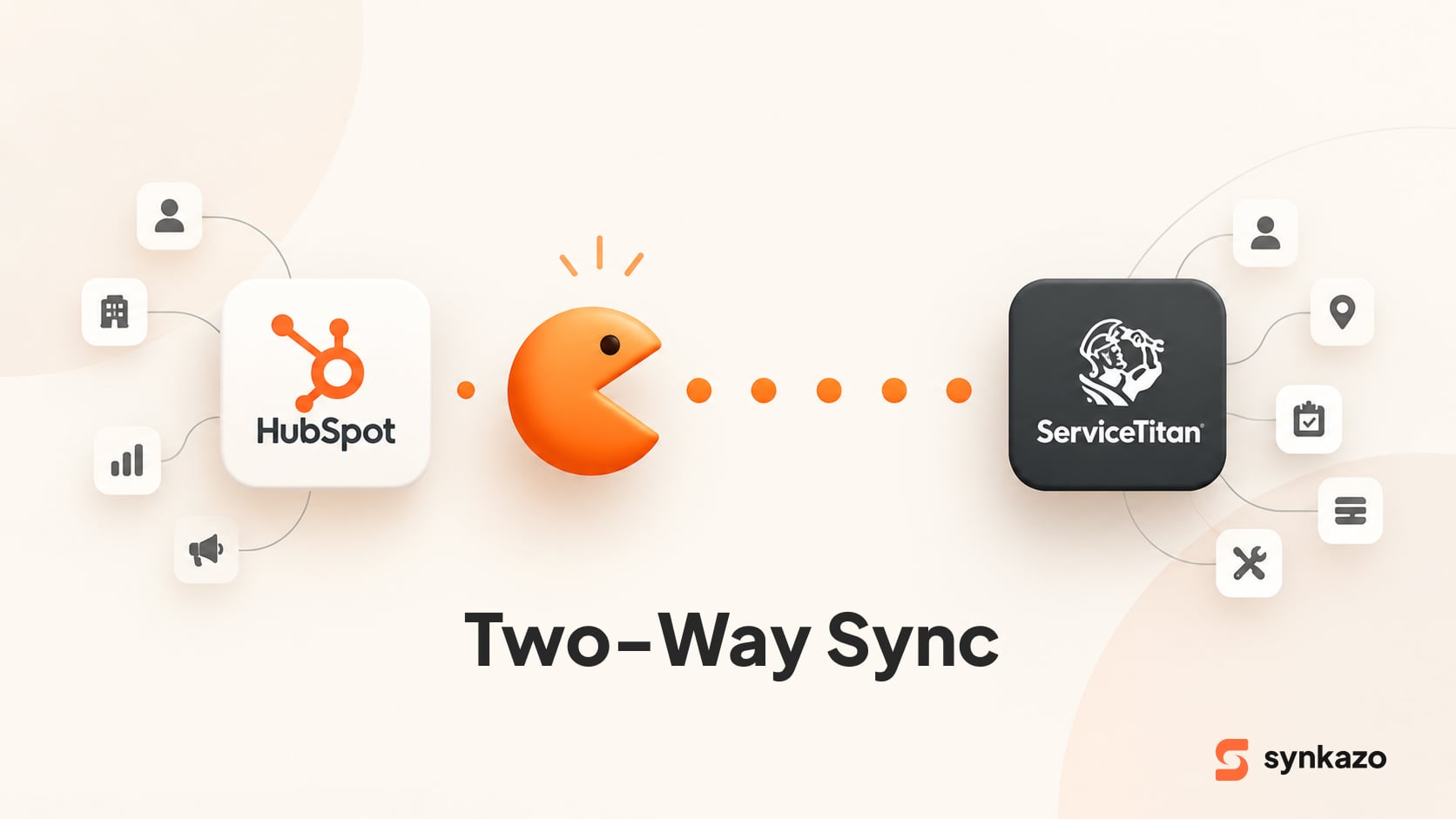
Instead of treating every update as a brand-new event, Synkazo is designed as a bidirectional sync engine that understands the relationship between ServiceTitan and HubSpot.
The difference is subtle but important.
A basic automation asks:
“What should I do with this new record?”
A sync engine asks:
“Does this record already exist, and if it does, what should I update?”
That shift is what helps keep a database clean.
1. Match Customers Using More Than One Clue
A customer's identity rarely lives in one field.
Synkazo can use a combination of information—such as email, phone, and service location—to determine whether an incoming record belongs to an existing customer rather than automatically creating another one.
Think of it like recognizing someone you already know.
You don't identify a friend solely by their first name. You recognize them from several clues.
Email + Phone + Address = a much clearer picture of identity.
This approach is particularly important when customer information arrives from different channels and isn't formatted exactly the same way.
2. Preserve the Relationship Between Customers and Locations
Duplicates aren't limited to contacts.
Companies can become messy too.
A commercial customer might manage ten different properties. In ServiceTitan, those physical locations have their own service histories. Flattening everything into a simple company record can quickly turn HubSpot into a cluttered collection of locations with no clear relationship between them.
Synkazo is designed to preserve these relationships by mapping ServiceTitan customers and locations into HubSpot's company structure rather than treating every piece of information as an isolated record.
That's important because the address isn't just an address.
It's where the work happened.
It's where the equipment is installed.
It's where the service history belongs.
Lose that relationship, and you lose context.
3. Stop Systems From Fighting Over Data
Even if you eliminate duplicates, there's another problem waiting around the corner:
data collisions.
Someone updates a phone number in ServiceTitan.
A marketing workflow changes something in HubSpot.
Both systems synchronize.
Now which version wins?
Synkazo addresses this through field-level governance and system-of-record rules.
Operational information can remain under ServiceTitan's control, while marketing information remains under HubSpot's control.
For example, ServiceTitan can remain the authority for operational details such as service information and technician data, while HubSpot manages digital marketing information such as campaign sources and marketing preferences.
One field. One owner. No guessing.
And What About Custom Data?
Your customers aren't just names and email addresses.
Your technicians know things your marketing team doesn't.
They know the age of the equipment. They know what failed. They know whether a customer has an aging furnace or an older water heater.
That information can become extremely valuable when it reaches HubSpot.
Instead of sending the same generic campaign to everyone, you can build more relevant customer journeys around the operational information coming from ServiceTitan.
The source material specifically highlights mapping technician findings and equipment information into HubSpot custom properties to support targeted campaigns.
Your field data shouldn't stay trapped in the field.
A Simple Database Hygiene Checklist
Before switching on synchronization, make sure you've answered three questions:
How do we identify a customer?
Define the matching logic for email, phone, address, and unusual cases such as shared accounts.
Which system owns each field?
Decide whether ServiceTitan or HubSpot has the final say before data starts moving in both directions.
What valuable operational data should reach HubSpot?
Don't stop at names and contact details. Consider equipment, technician findings, memberships, jobs, and other information that can improve sales and marketing.
These decisions prevent many of the problems that become expensive to fix later.
The Goal Isn't a Cleaner CRM. It's a Smarter Business.

Duplicate contacts may look like a small administrative problem.
They're not.
They can distort reporting, waste sales time, create awkward customer experiences, and make marketing attribution unreliable.
And once your team starts manually fixing the database, the problem becomes a recurring operational cost.
Synkazo is designed to remove that burden by giving ServiceTitan and HubSpot a dedicated synchronization layer—one that can understand customer identity, preserve relationships, govern fields, and keep operational and marketing data connected.
Because the best integration isn't the one that moves the most records.
It's the one that knows when two records are actually the same customer.
And when your CRM finally has one customer, one history, and one reliable source of truth, your team can stop cleaning up yesterday's data—and start using it to create tomorrow's revenue.
Less duplication. Less manual work. One connected customer story.
We’ll connect a sandbox and map one of your real objects on the call. Thirty minutes, no slide deck.
Request a demo