It usually starts with one small mismatch.
A customer calls your office and books an HVAC repair. Your CSR creates the customer in ServiceTitan. A few weeks later, the same customer visits your website and fills out a HubSpot form.
But this time, the customer enters “John Doe” instead of “Jon Doe.” The phone number is formatted differently. The address says “123 Main St.” instead of “123 Main Street.”
To your team, it is obviously the same customer. To a poorly designed integration, it might look like a brand-new record.
Now you have two contacts. Nobody notices at first. Then another duplicate appears. Then another.
Eventually, sales is working with outdated information, marketing is sending the wrong messages, and your office team is spending time cleaning records instead of serving customers.
The problem isn't that your teams are entering data incorrectly. The problem is that your systems don't always agree on who the customer is.
When Two Good Systems Create One Big Data Problem
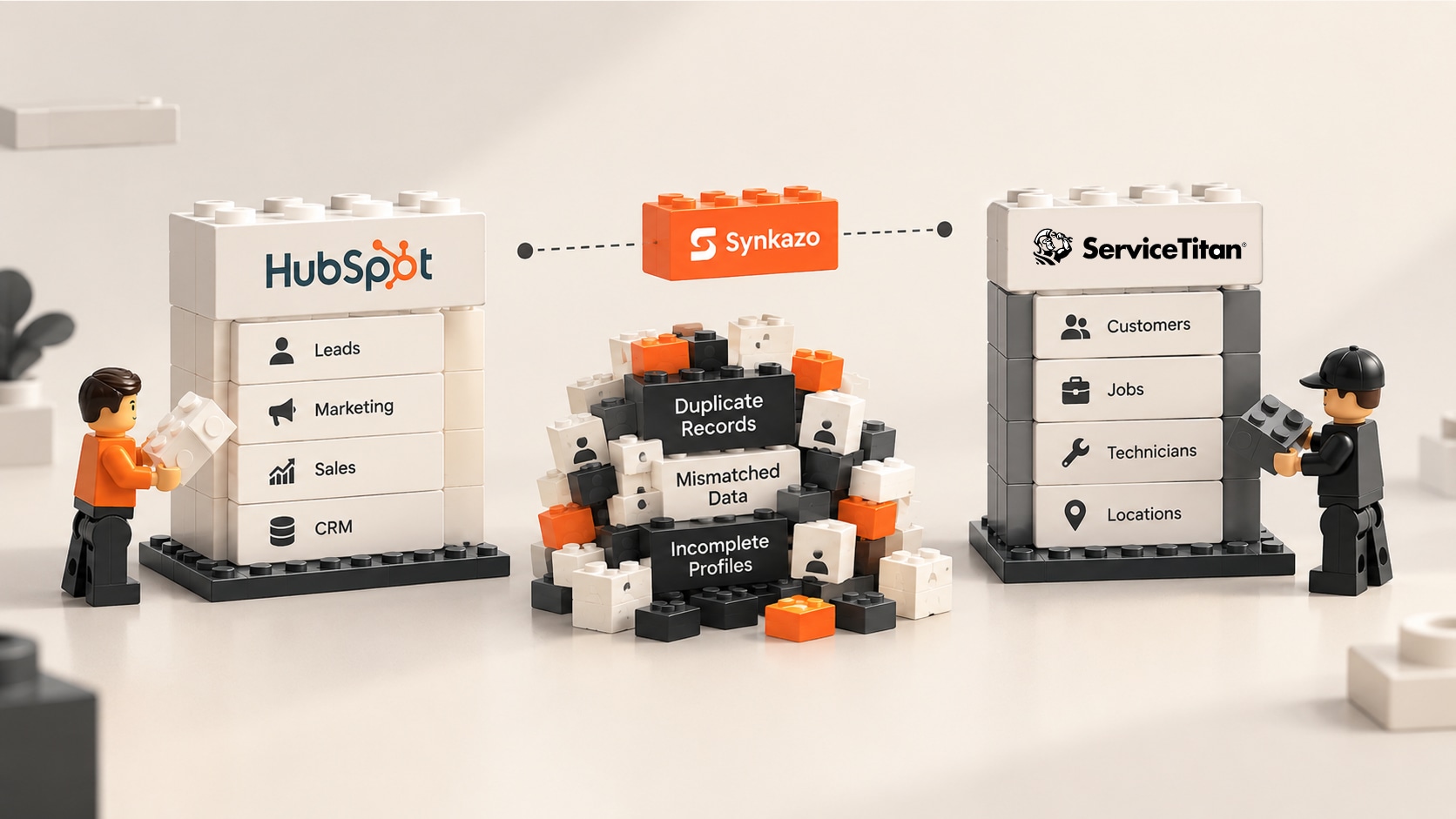
For a growing home or commercial service business, HubSpot and ServiceTitan can each play a critical role.
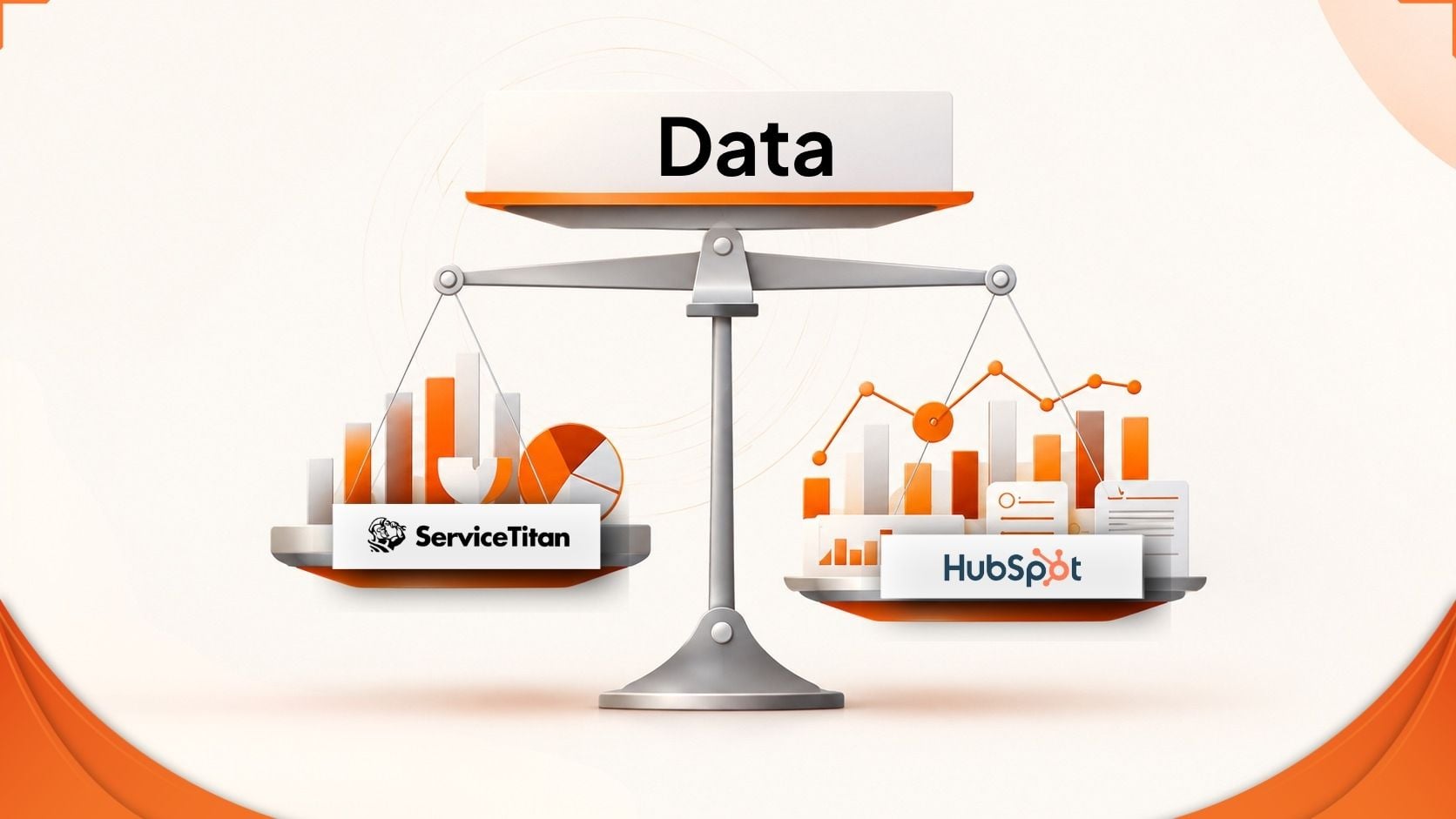
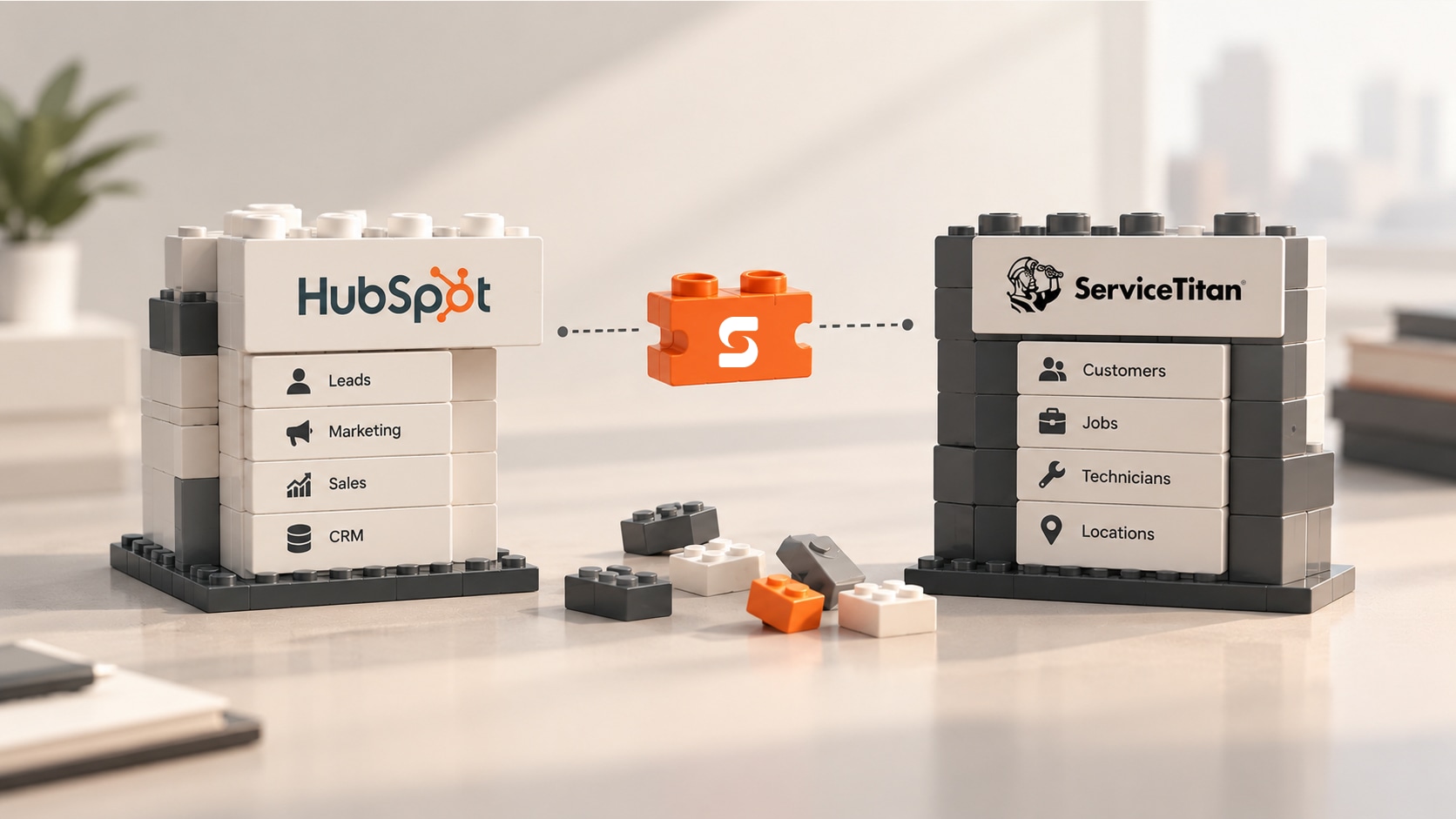
HubSpot manages the customer journey on the sales and marketing side: leads, campaigns, forms, communication, and pipeline.
ServiceTitan manages what happens operationally: customers, locations, jobs, technicians, estimates, and service activity.
ServiceTitan itself describes its API and integrations as a way to keep applications connected and reduce double entry.
But connecting two platforms is not the same as making them understand each other.
And that's where duplicate data begins.
Why ServiceTitan and HubSpot Can Create Duplicates
The first issue is identity.
HubSpot automatically deduplicates contacts by email address and companies by domain name. It can also use record IDs and custom unique-value properties for additional deduplication workflows.
Service businesses, however, often need a broader view of identity.
A customer isn't just an email address. It might be:
Customer + phone number + service address + location + service history.
Imagine a customer who has been using your company for five years. Their phone number changes. Their spouse submits a form using a different email address. The service address is entered with slightly different formatting.
If your synchronization logic depends on one exact identifier, the system can easily conclude:
“This is a new customer.”
And that's how a duplicate is born.
HubSpot does provide tools to identify and manage potential duplicates using multiple properties, including names, email, phone, ZIP code, company name, domain, and other fields.
But manually finding and merging duplicates after they've already been created is very different from preventing them from being created in the first place.
The Bigger Problem: Service Locations
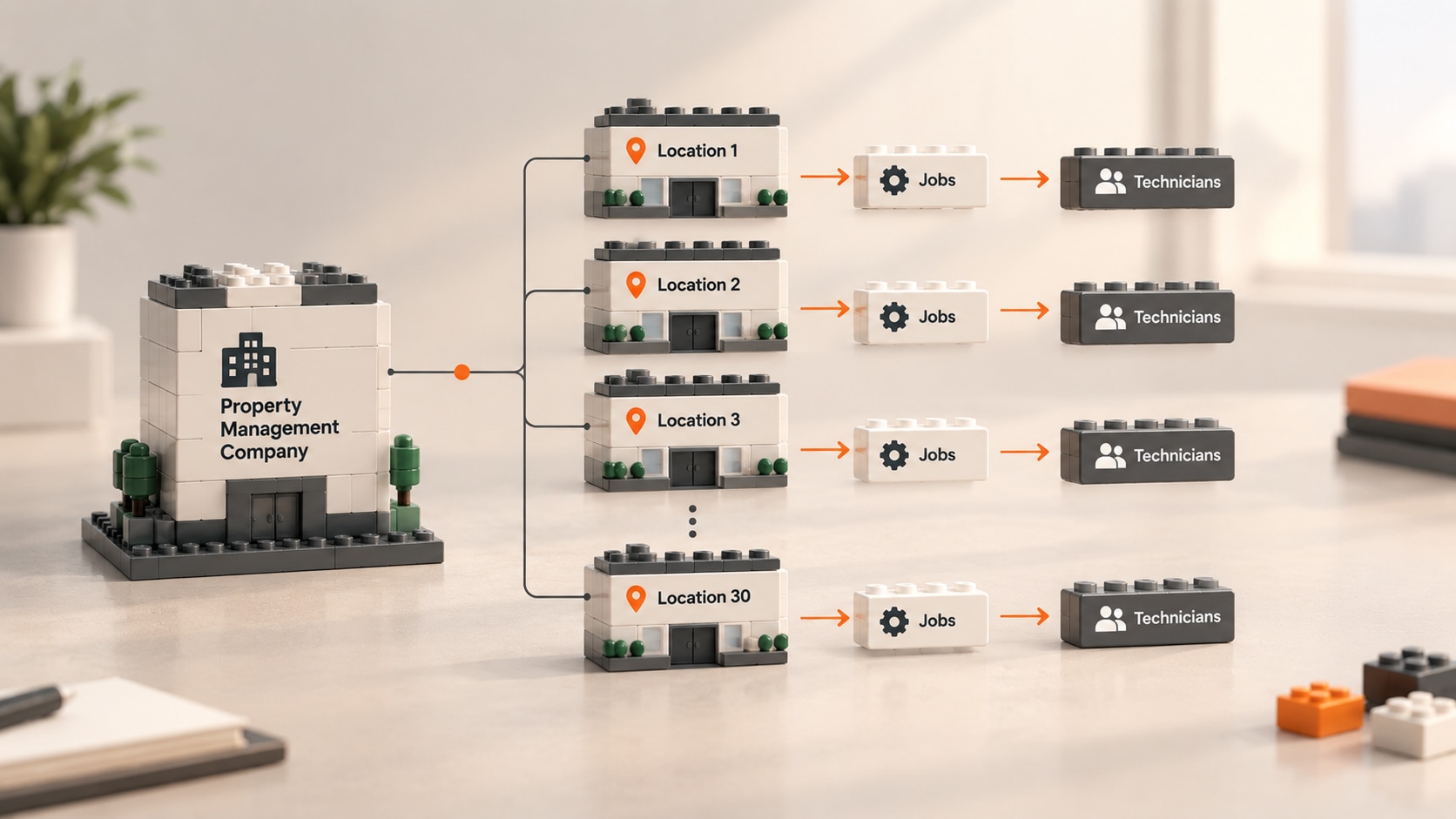
Duplicates become even more complicated when you're dealing with commercial customers or businesses with multiple properties.
Imagine a property management company with 30 locations. The company is one customer.
But each property has its own:
- Service address
- Equipment
- Job history
- Technicians
- Estimates
- Invoices
If an integration treats every location as an independent company without preserving the relationship to the parent customer, your CRM can quickly become difficult to understand.
A sales representative may see several companies that are actually locations belonging to the same customer.
The problem isn't simply duplicate records.
It's lost context.
A good integration has to understand the relationship between the customer and the places where the work actually happens.
Then There's the Two-Way Sync Problem
Let's say the integration successfully creates the customer in both systems.
Great.
But now something changes. A technician updates the customer's phone number in ServiceTitan. Later, someone changes that same property in HubSpot.
Which version should win?
If both platforms are allowed to overwrite the same fields without clear rules, synchronization can become a tug-of-war.
That's why a reliable integration needs field-level ownership.
For example, operational information can remain controlled by ServiceTitan, while marketing information can remain controlled by HubSpot.
The goal isn't to make both databases blindly identical.
The goal is to make each system responsible for the information it understands best.
And Then Peak Season Arrives
A weak integration can appear perfectly healthy when your business is quiet.
The real test comes during your busiest week of the year.
A heatwave hits.
Calls increase. New customers are created. Jobs are scheduled and rescheduled. Estimates change. Technicians complete work. Invoices are generated.
Suddenly, the integration has a lot more work to do.
ServiceTitan has API limits and specific requirements around approved integration methods. Its current documentation identifies two approved paths for third-party integrations: Certified Apps and Customer-Built Apps.
This matters because a production integration needs to be designed for the realities of API traffic—not just the happy path.
Queues, retries, throttling, error handling, and synchronization state aren't glamorous features.
But when the phones are ringing off the hook, they're the features you want.
So, What's the Practical Solution?
There are three common ways businesses approach ServiceTitan and HubSpot integration.
Build a Custom Integration
A custom integration gives you maximum control.
You can decide exactly how records are matched, which fields synchronize, and how exceptions are handled.
But you also take responsibility for development, hosting, monitoring, maintenance, API changes, and ongoing troubleshooting.
It's powerful—but for many businesses, it's a significant engineering project.
Use Generic Automation Tools
Tools such as Zapier can be useful for straightforward workflows. ServiceTitan itself documents a Zapier integration for automating tasks such as sending job events to other applications.
The challenge comes when you move beyond simple trigger-and-action workflows.
A serious customer-data sync needs to answer questions such as:
- Does this customer already exist?
- Which location does this job belong to?
- Which system owns this field?
- What happens if the API rejects the request?
- What happens if a job is rescheduled or cancelled?
That's where a collection of individual automations can become difficult to govern.
Use a Purpose-Built Sync Engine
For a business that wants the benefits of a custom integration without taking on the entire engineering burden, a purpose-built sync engine is the more practical middle ground.
And that's where Synkazo is designed to fit.
How Synkazo Solves the Problem
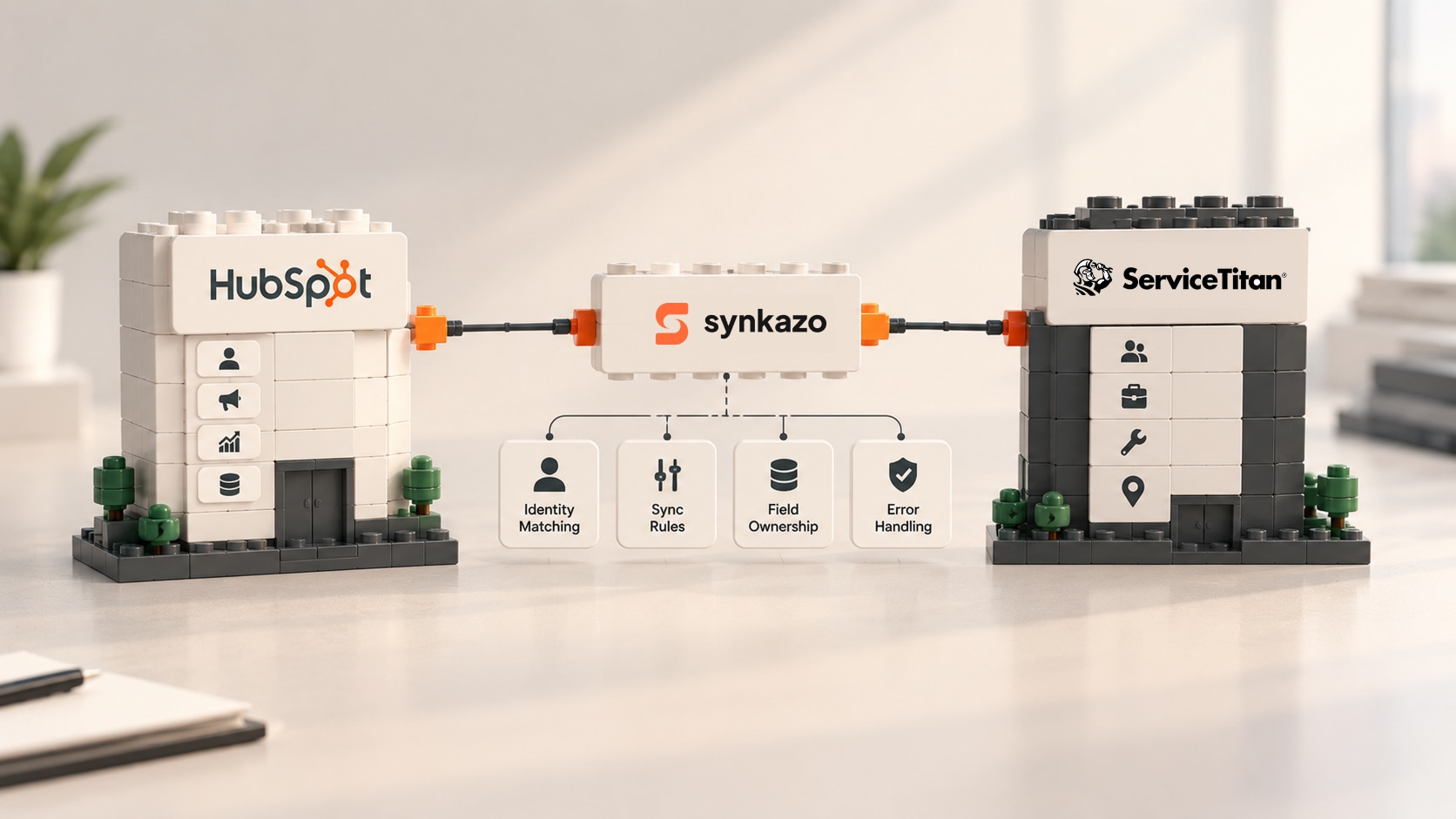
Synkazo is purpose-built to connect HubSpot with field-service platforms such as ServiceTitan, with a focus on keeping operational and CRM data synchronized rather than simply firing individual automation events.
The difference is important.
A basic automation asks:
“What should happen when this event occurs?”
A dedicated sync engine asks:
“What does this record represent, where does it belong, and what should happen to it across both systems?”
That distinction is what makes reliable synchronization possible.
1. Match Records Before Creating Them
Instead of treating every incoming record as new, Synkazo can use multiple pieces of customer information to determine whether the record already exists.
That means a change in formatting or the arrival of information from a different channel doesn't automatically have to become another customer record.
The objective is simple: update the customer you already have instead of creating the customer again.
2. Keep Customers and Locations Connected
Service businesses don't just have contacts.
They have properties, service locations, jobs, equipment, and histories.
Synkazo is designed around these operational relationships so information can move into HubSpot without losing the context behind it.
That gives your sales and marketing teams something much more valuable than a clean contact list:
a clearer picture of the customer.
3. Give Every Field a Clear Owner
Synkazo can support field-level synchronization rules so businesses can define where information should come from.
ServiceTitan can remain the operational source of truth. HubSpot can remain the marketing and sales source of truth. This prevents the integration from becoming a constant battle between two systems.
One field. One owner. One reliable rule.
4. Handle the Reality of a Busy Service Business
A useful integration cannot only work when everything goes perfectly.
It needs to deal with changing records, API limits, temporary failures, retries, and growing transaction volumes.
That's why synchronization architecture matters just as much as the field mappings themselves.
The goal is not simply:
“Connected.”
The goal is:
“Still working when the business gets busy.”
Clean Data Is More Than a CRM Hygiene Project
It's tempting to think of duplicate contacts as an administrative annoyance.
But the consequences reach much further.
A duplicate can affect:
-
Sales: Reps may not see the complete customer history.
-
Marketing: Customers can receive irrelevant or incorrect campaigns.
-
Reporting: Customer counts and pipeline numbers become less reliable.
-
Operations: Employees waste time checking which record is correct.
-
Attribution: Marketing teams struggle to connect campaigns to actual customers and revenue.
And once people stop trusting the CRM, they start building workarounds—spreadsheets, notes, manual searches, and side processes.
That's when a data-quality problem becomes an operational problem.
The Best Integration Is the One Your Team Doesn't Have to Think About
A successful ServiceTitan + HubSpot integration should eventually become invisible.
Your CSR shouldn't have to create the same customer twice.
Your sales team shouldn't have to search three records to understand one customer.
Your marketing team shouldn't have to guess whether a lead became a real customer.
And your operations team shouldn't have to spend Friday afternoon cleaning up duplicates created throughout the week.
That's the standard businesses should expect from synchronization.
Not simply moving data.
Keeping the right data connected, in the right system, with the right context.
Why Synkazo Stands Out
Custom development gives you control, but also gives you the responsibility of building and maintaining everything yourself.
Generic automation tools make simple workflows easy, but become harder to govern as synchronization becomes more complex.
Synkazo takes a different approach: purpose-built synchronization for the way field-service businesses actually operate.
And that approach aligns with where the ServiceTitan ecosystem is heading. ServiceTitan now distinguishes between Certified Apps and Customer-Built Apps, with Certified Apps undergoing review for security, reliability, and performance. ServiceTitan has also positioned its Marketplace as a way for contractors to find approved solutions that extend the platform and improve efficiency.
That's important because integration quality isn't just about whether two APIs can communicate.
It's about reliability, maintainability, data integrity, and what happens when real-world complexity hits.
And that's ultimately where Synkazo makes the strongest case.
It doesn't ask your team to become integration engineers.
It doesn't treat your customer database like a collection of isolated trigger-and-action workflows.
It is designed to give ServiceTitan and HubSpot a synchronization layer that understands identity, relationships, field ownership, and operational change.
Because your business doesn't need another automation.
It needs its systems to agree on reality.
And when ServiceTitan knows what happened in the field, HubSpot knows how the customer arrived, and both systems can trust the same customer story, you finally get what every growing service business is looking for:
cleaner data, less manual work, better visibility, and a clearer path from marketing spend to real revenue.
That's the difference between connecting two systems and actually connecting your business.
We’ll connect a sandbox and map one of your real objects on the call. Thirty minutes, no slide deck.
Request a demo